M252 Product Guides
Use these guides to check the M252 model facts before ordering at the current £54.99 price.
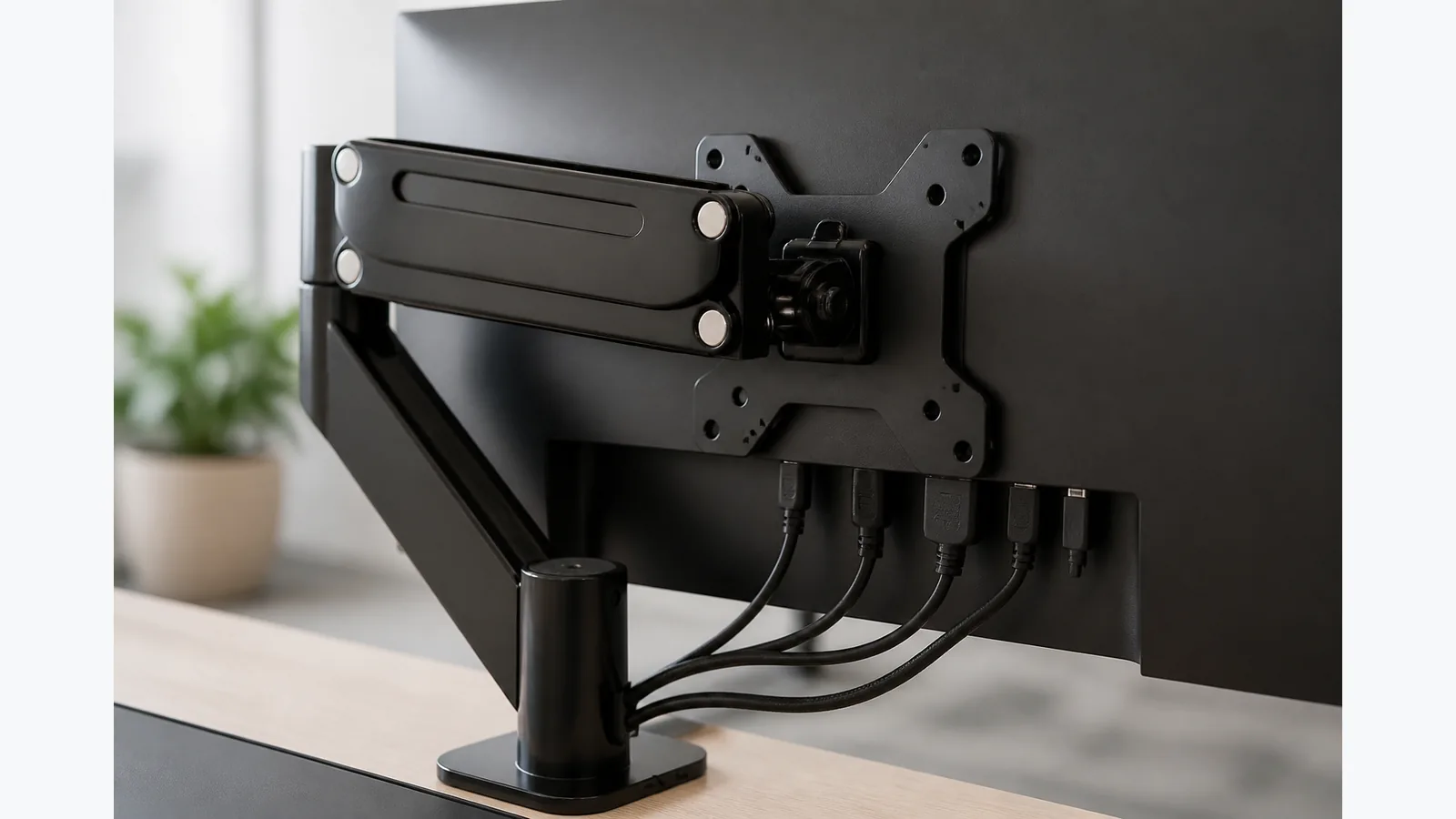
monitor arm blocks monitor ports
Learn how to stop a monitor arm blocking ports by checking plate footprint, connector clearance and cable routing before you mount the screen.
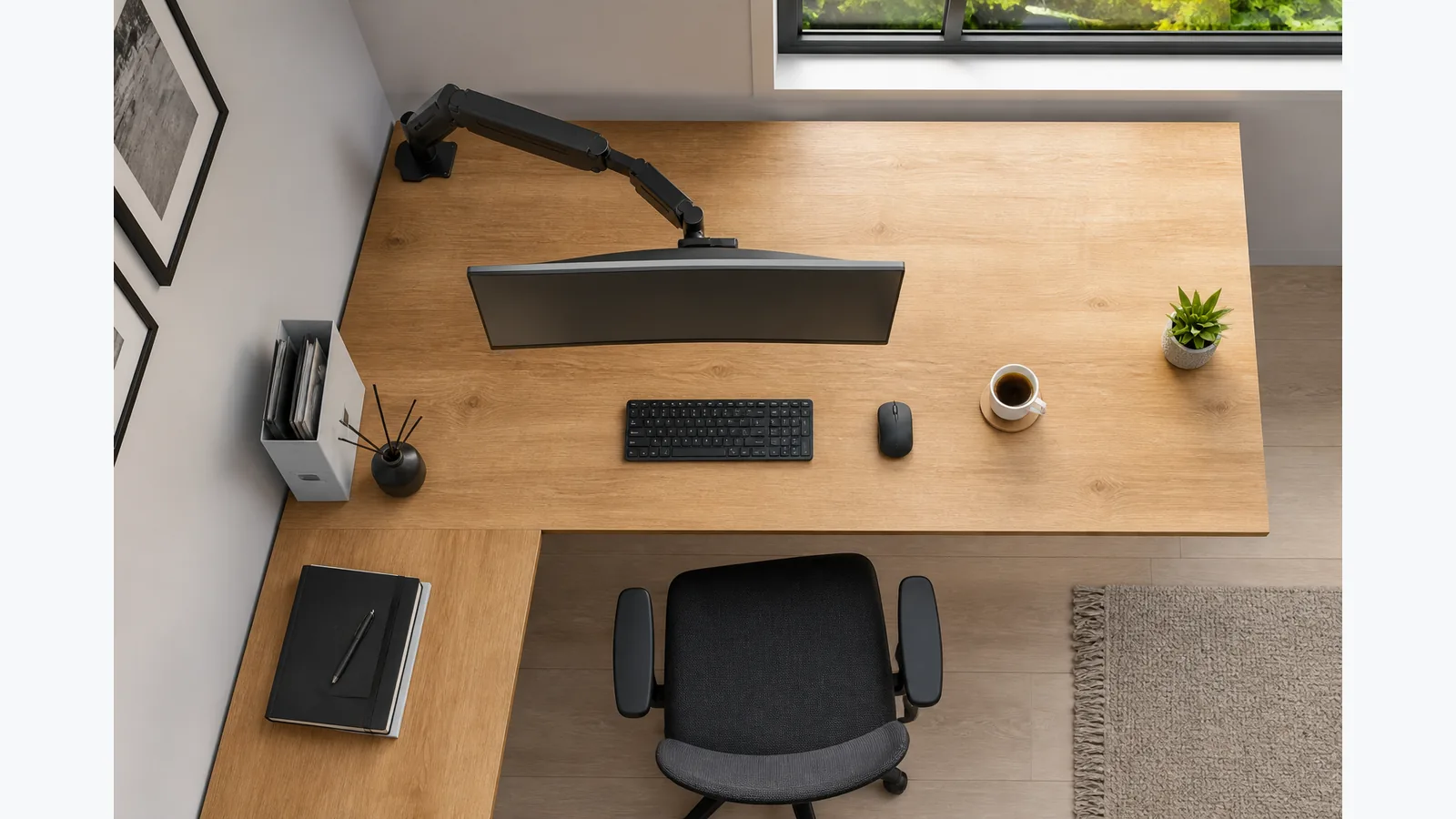
Monitor arm for L shaped desk: choose the seat line before the clamp point
Monitor arm for L shaped desk buying advice for British readers: choose the seat line first, then check reach, clearance, posture and fit before you buy.
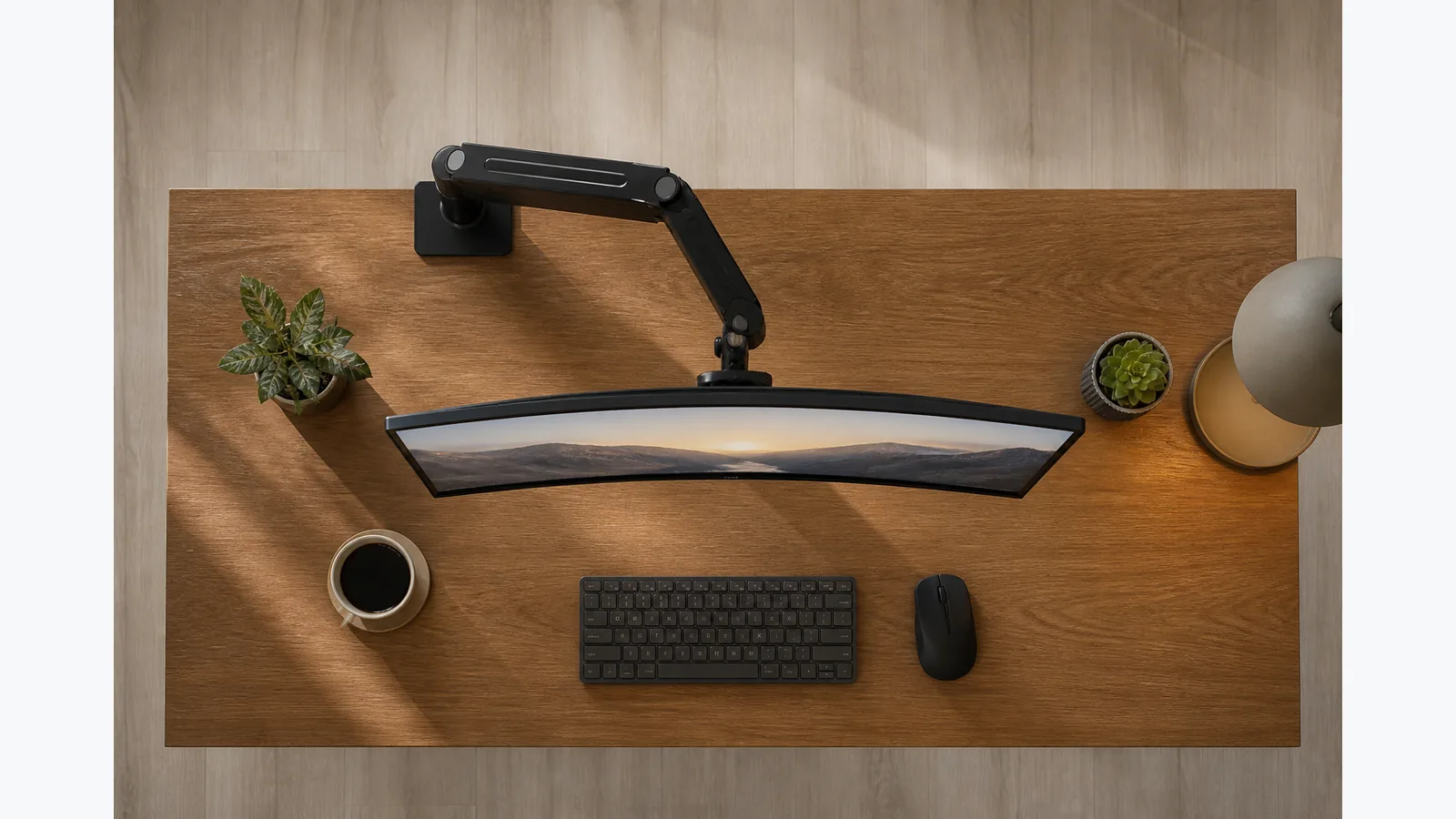
where to clamp monitor arm for centred screen
Learn where to clamp monitor arm for centred screen with a practical workflow that starts from the seated position and finishes with a centred screen.
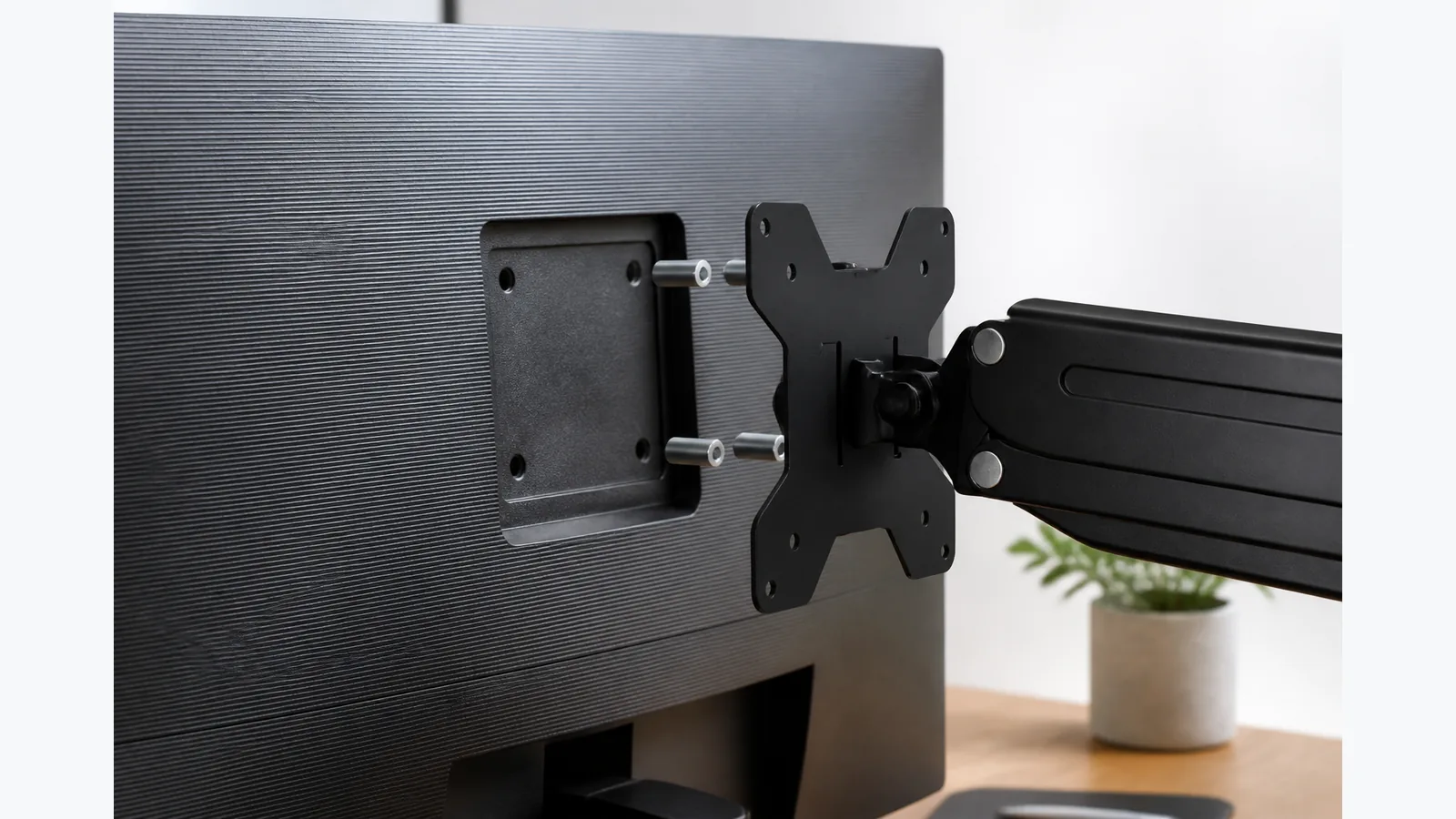
Monitor Arm for Recessed VESA Holes: Plate, Spacer and Screw Checks
Learn how to check recessed VESA holes, plate fit, spacers and screw engagement before fitting a monitor arm safely.
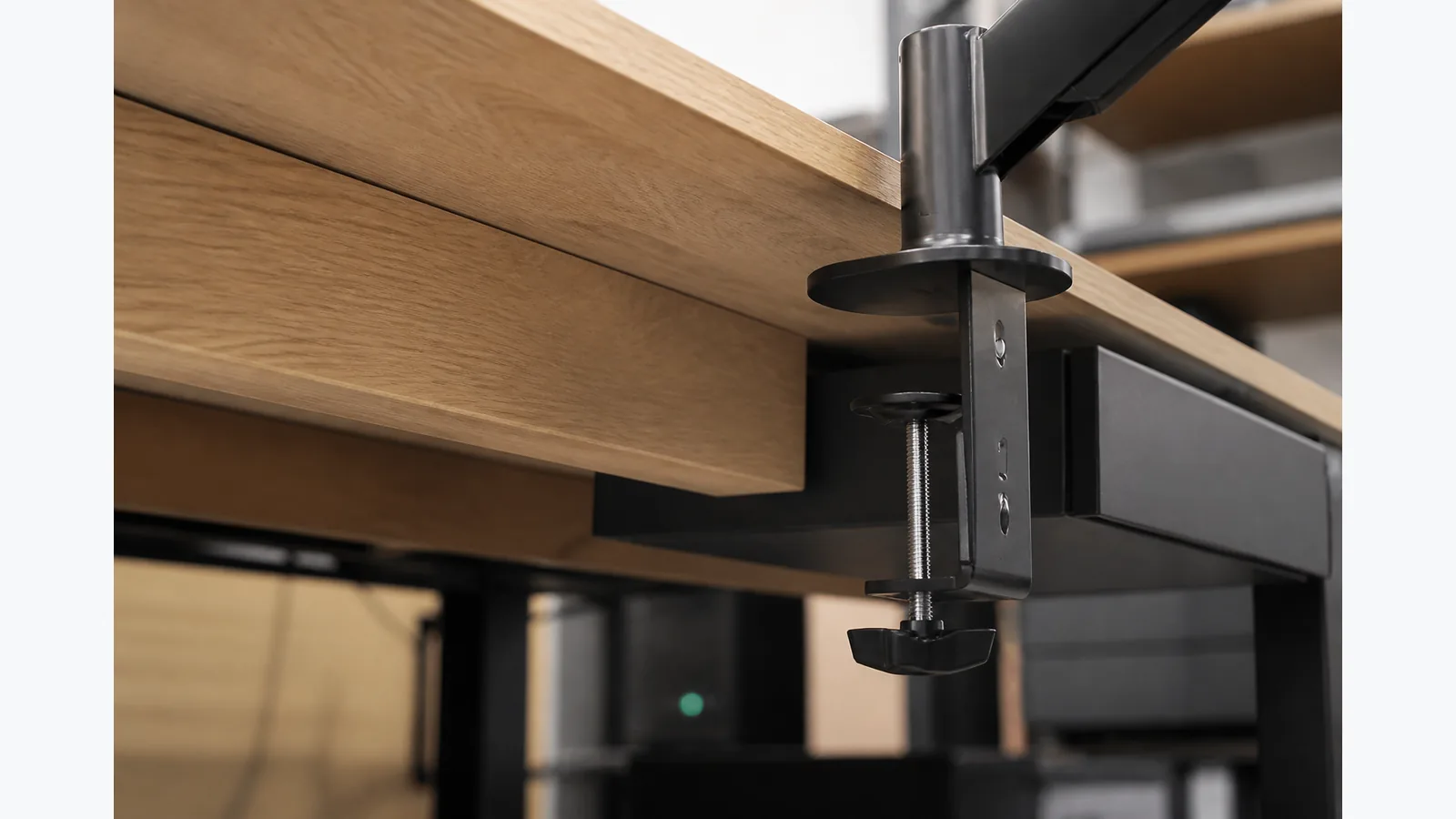
monitor arm clamp won't fit desk: diagnose the edge before buying hardware
Practical guidance for diagnosing why a monitor arm clamp won't fit desk, including clearance checks, grommet alternatives and a support checklist.
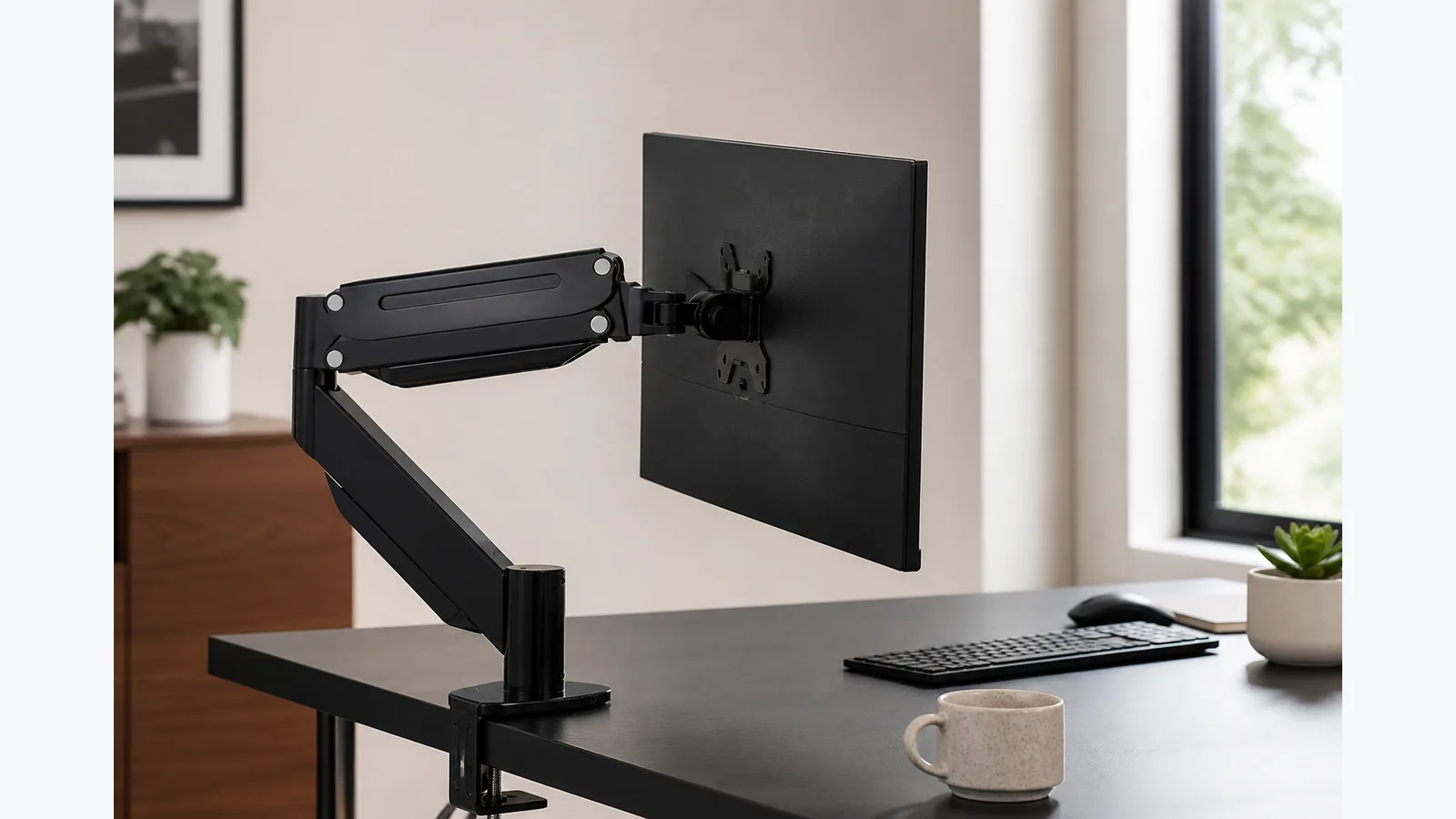
Monitor Arm Keeps Dropping? Separate Height Drift from Forward Tilt
Learn how to diagnose a monitor arm that keeps dropping, separate height drift from forward tilt, and check the M252 safely before adjusting.
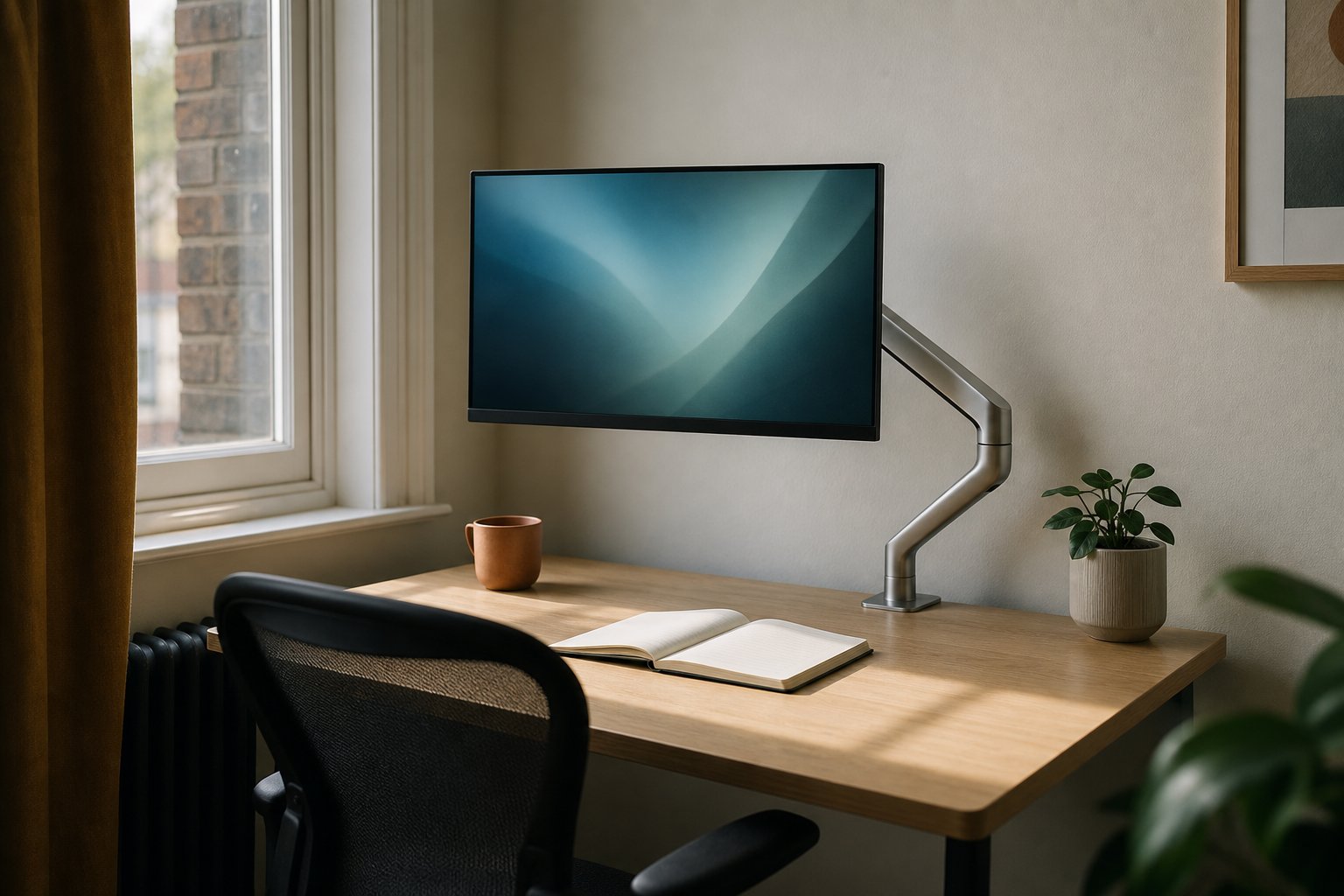
Where to Put a Laptop With an External Monitor: 3 Layouts Compared
Not sure where to put your laptop with an external monitor? We compare beside, under the floated screen and closed in a stand — ventilation, webcam, desk depth.
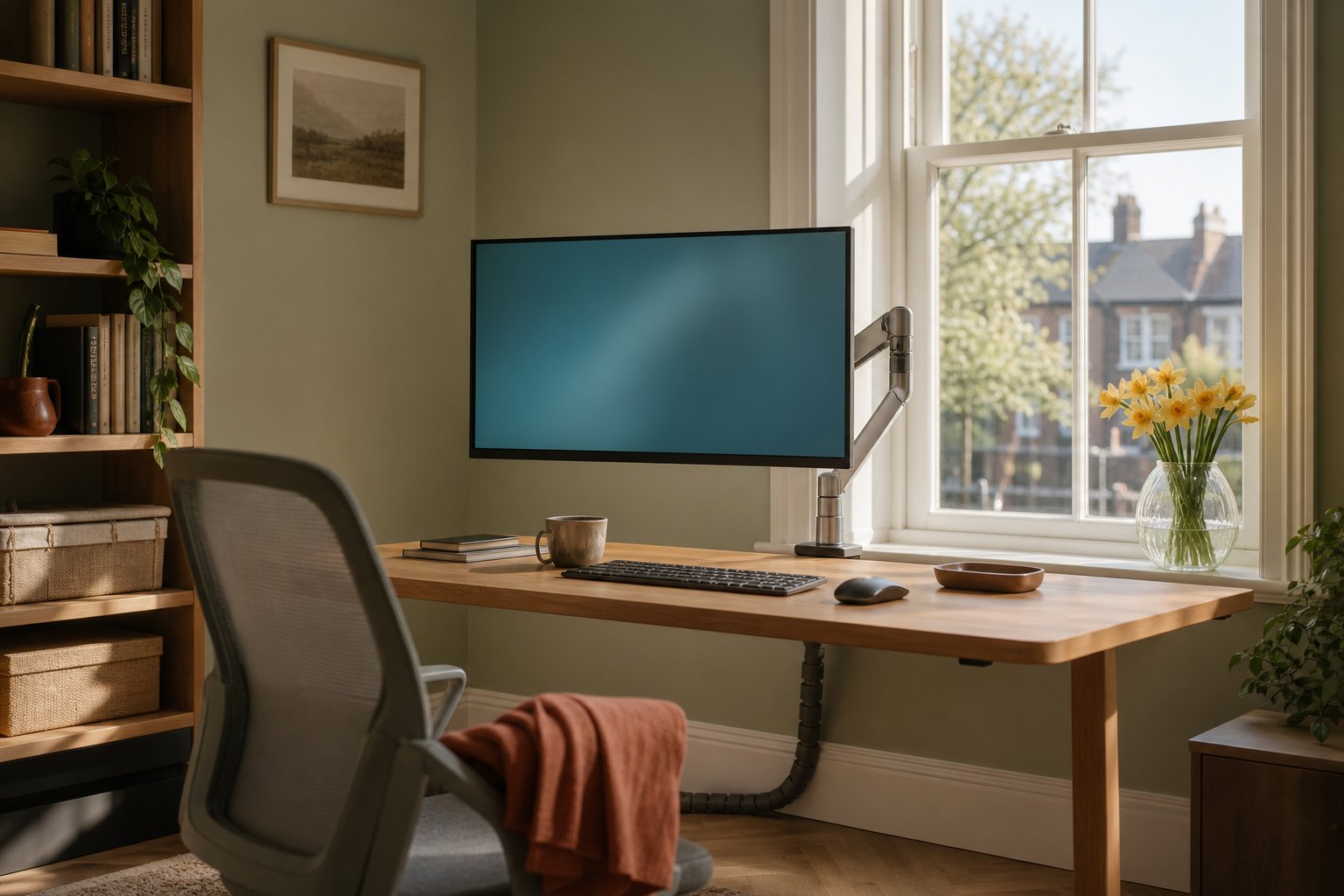
Putting a Desk in Front of a Radiator: Gaps, Heat and Your Kit
Is a desk in front of a radiator OK? The 10–15cm air gap rule, what heat does to monitors, cables and chipboard desktops, and easy fixes for winter.
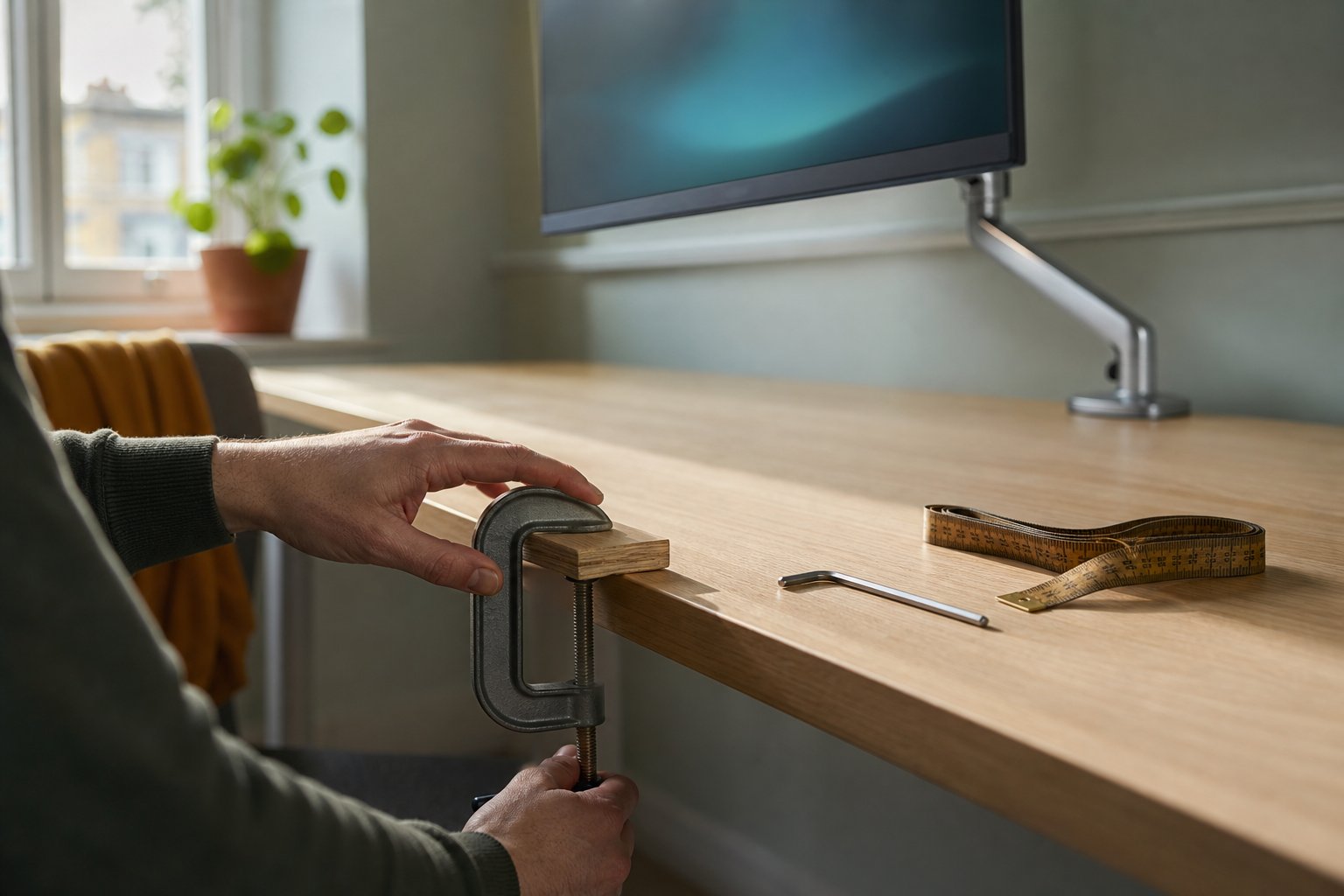
Is a Kitchen Worktop Strong Enough for a Monitor Arm? Honest Maths
A 38–40mm kitchen worktop is strong enough for a monitor arm — well inside most 10–80mm clamp ranges. Honest maths, overhang rules and a grommet plan B.
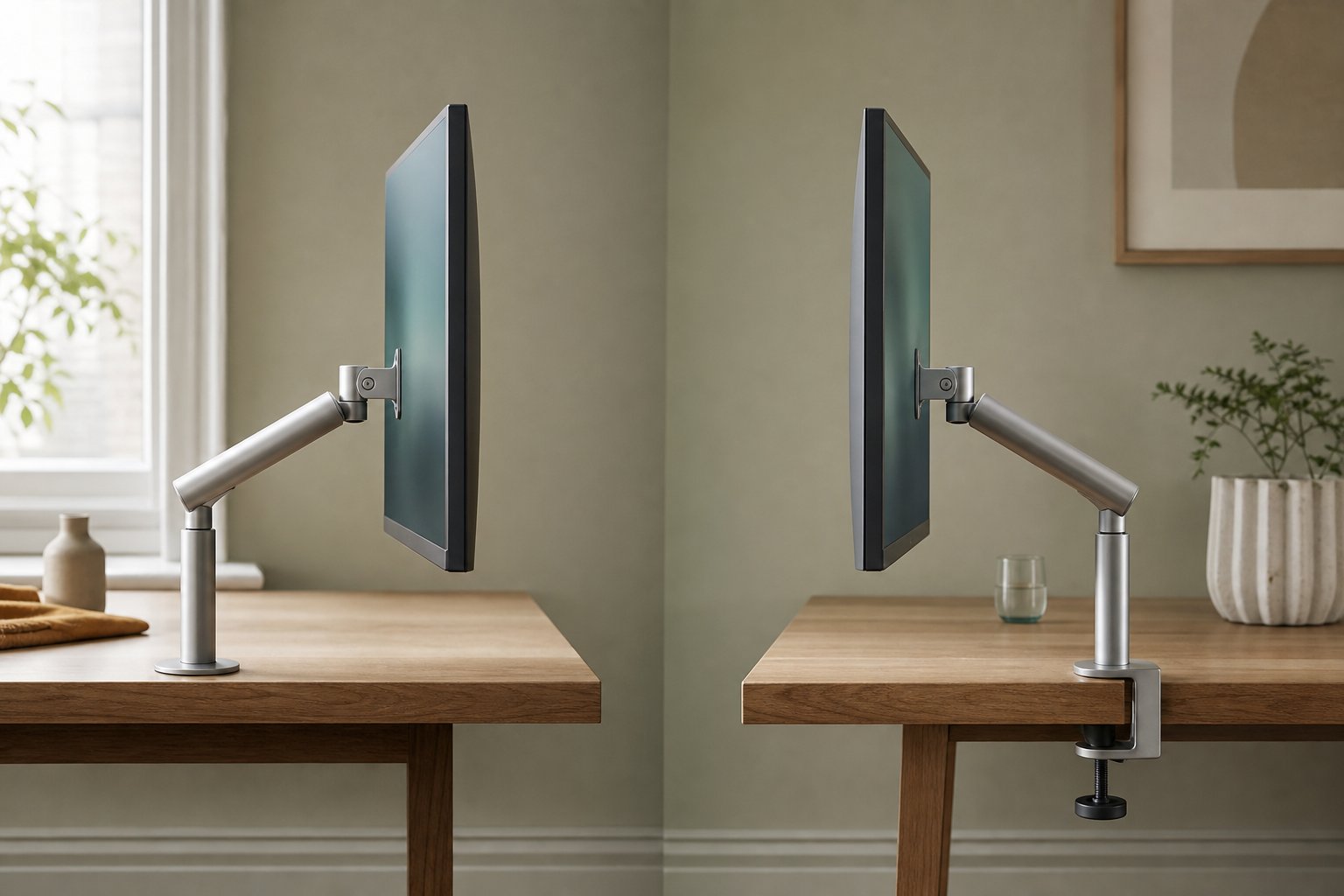
Clamping a Monitor Arm on a Rounded Desk Edge: What Actually Works
Why a monitor arm clamp slips on rounded, bullnose or bevelled desk edges, how much flat contact it needs, and the wood-block and grommet fixes that hold.
M252 Single-Monitor Arm: Screen and Desk Setup Guide
Check the documented M252 screen size, monitor weight, VESA pattern and desktop mounting options before ordering.
M252 Monitor Arm Compatibility: Screen, Weight and VESA
Check a monitor against the M252 17–32-inch, 2–10 kg and VESA 75 × 75 mm or 100 × 100 mm requirements, then check the desk mounting point.
Kehao M252 Desk Clamp and Grommet Arm
The M252 is a single-monitor desk arm that fits with a clamp or a grommet on desk tops from 10 mm to 80 mm thick.
Kehao M252 Desk Arm for One Monitor
The M252 is a single-monitor arm for one compatible 17–32-inch screen weighing 2–10 kg.
Comparing M252 Requirements: What to Check Before Ordering
Check screen size, weight, VESA pattern and desk thickness before ordering the M252.
Kehao M252 Holds One Monitor
The M252 holds one compatible 17–32-inch screen weighing 2–10 kg.