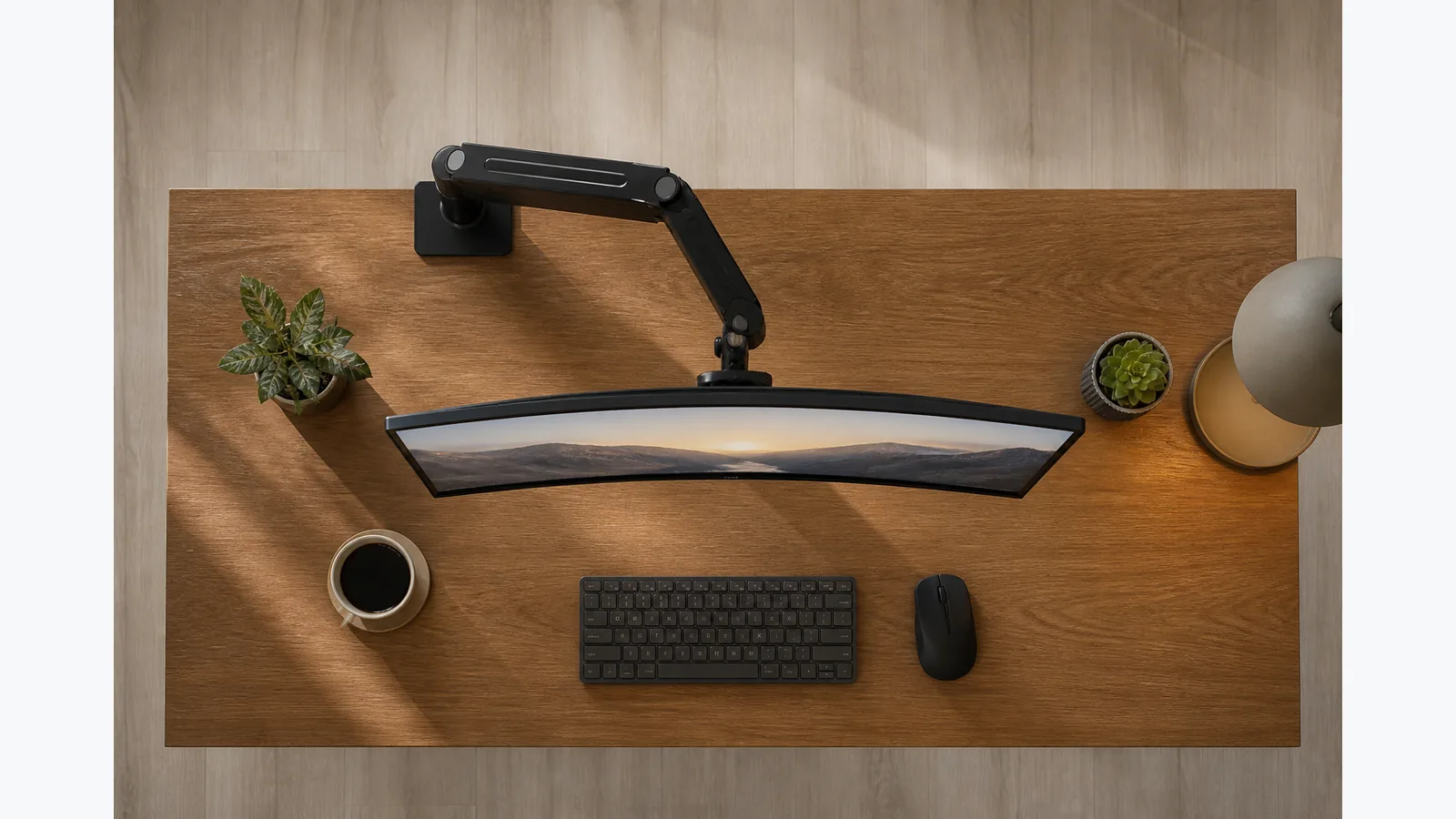
where to clamp monitor arm for centred screen
The best starting point is to clamp the arm where the screen can finish directly in front of you, aligned with your seated body and keyboard centreline. There is no universal centimetre rule here; place the base to support a neutral end position, then adjust from there.
Mark the seated body and keyboard centreline
Sit as you normally work and imagine a straight line running from the middle of your body through the keyboard. That line is your reference, not the edge of the desk. If the base is offset from it, the screen may still be able to come back to centre, but the arm will have to work harder to get there.
Place the screen footprint directly in front at a readable distance
Before you clamp anything down, think about the space the screen will occupy when it is centred. The monitor should be able to sit directly in front of you without forcing a twist in your shoulders or neck. HSE guidance says the screen should be central with the keyboard, at about arm's length, and with the top around eye level.
Work backwards from screen centre to a provisional base location
Start with the end position you want, then move backwards to the most practical clamp point. If the arm is a single-screen arm, the base only needs to support the movement that brings the display back to centre. A slightly off-centre base can be fine if the arm still lets the screen settle in front of you.
Test the arm’s movement arc without tightening fully
Fit the arm loosely first and move it through its full path before final tightening. This makes it easier to see whether the screen can reach the right place without strain, and whether the arm swings naturally when you reposition it. Do not treat the first clamp point as final until you have checked the movement.
Check wall, desk-edge and cable clearance
Make sure the arm can move without hitting the wall, the desk edge, or a cable run. A clamp that looks centred on paper can still fail in practice if the arm cannot rotate freely. After installation, recheck the position, because an off-centre screen can pull you away from a neutral working posture.
Fine-tune height and distance using HSE guidance rather than a fixed universal offset
Use the final screen position to guide your clamp choice, not the other way around. Fine-tune until the screen is centred, readable and comfortable, then make small changes if the viewing angle or reach still feels awkward. That approach is more reliable than chasing a fixed offset that may not suit your desk, chair or arm.
View the current product details if you want to check the current single-screen arm page.