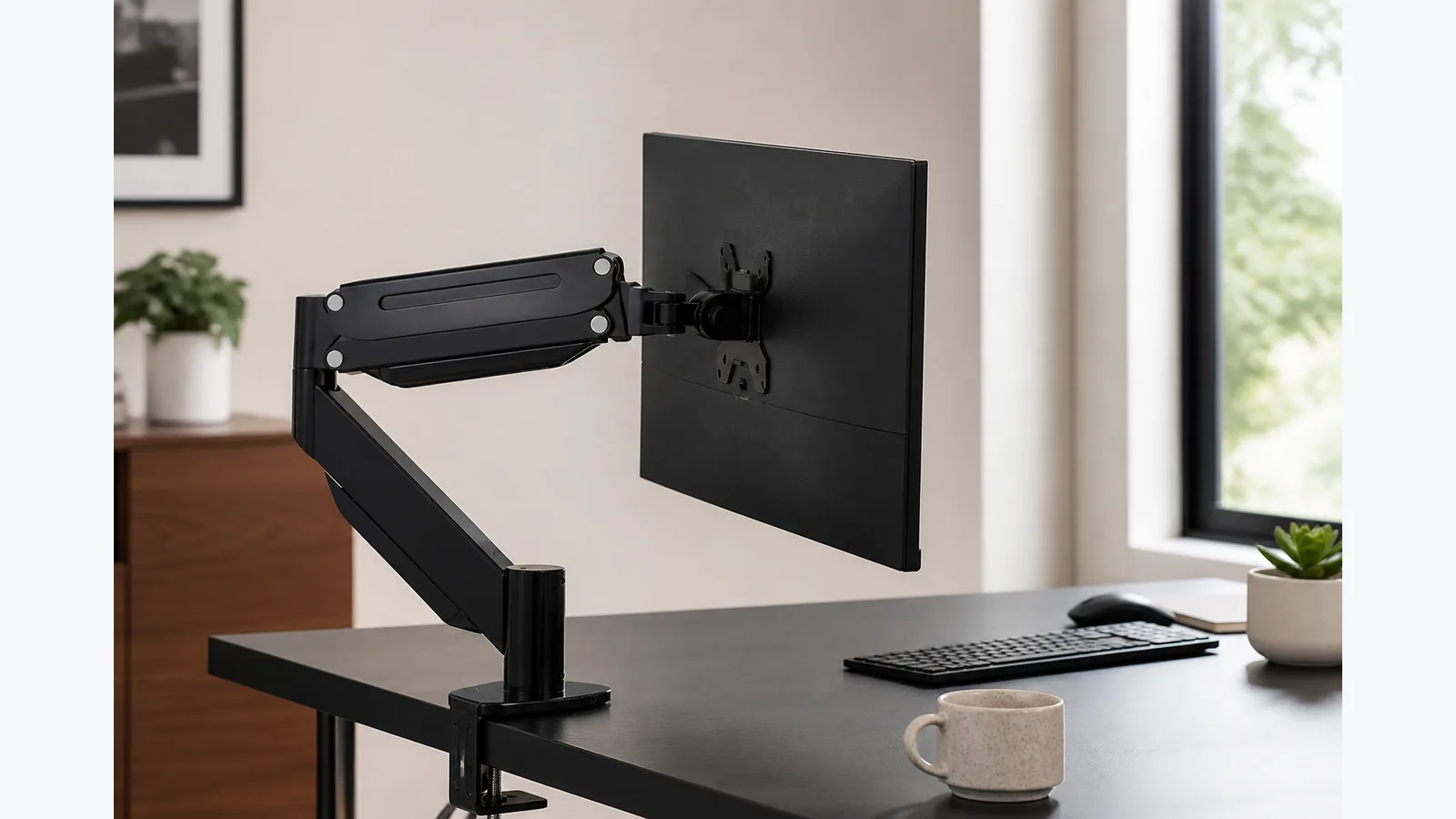
Monitor Arm Keeps Dropping? Separate Height Drift from Forward Tilt
If your monitor arm keeps dropping, start by identifying whether the whole arm is sinking or only the screen face is tipping forward; that tells you which adjustment to make and helps you avoid overtightening the wrong joint. On the M252, the public product details confirm a gas-spring design and a 2-10 kg monitor range, so stay within that range and make changes in small steps.
Describe the symptom before touching any adjustment
Do not turn any screws first. Watch the arm with the monitor attached and note what is actually moving. A full-arm sink means the screen slides down in height, while a face tilt means the arm stays up but the display leans forward or back. That simple check prevents guesswork during monitor arm tension troubleshooting.
If the screen is drifting in more than one way, deal with the most obvious movement first and then re-test. The goal is not to force the arm into place; it is to get it to stay where you put it.
Separate the whole arm sinking from the screen face tilting forward
Whole-arm sinking
When the whole arm sinks, the counterbalance is usually the first thing to inspect. A manufacturer manual from Humanscale's M4 desk mount instructions distinguishes counterbalance tension from ball-joint friction and treats success as a monitor that stays where it is placed. That is the behaviour you are aiming for.
Screen-face tilt
If the arm height stays put but the monitor face tilts forward, the issue is more likely at the head or tilt joint. For gas-spring arms, Fellowes' monitor arm guidance says to tension the arm to the screen weight with the supplied tool, and it warns that loose joints or clamps can make the setup unstable.
Recheck bare monitor weight, adapters and the published arm range
Before adjusting further, confirm the bare monitor weight and remove anything that is not part of the screen itself, such as adapters or other add-ons. The M252 is specified for compatible monitors weighing 2-10 kg, so any setup outside that range may never hold position properly.
Also check that the VESA pattern matches the mount. The M252 fits 75 × 75 mm and 100 × 100 mm VESA patterns, which helps rule out a seating problem before you chase tension settings.
Follow the exact model manual for counterbalance or tilt adjustment in small steps
Use the model manual rather than copying directions from another brand. Different arms can hide their adjustment points in different places, and the public M252 page says only that gas-spring tension should be adjusted; it does not publish a direction, turn count or joint map.
Work gradually, then pause and test after each small change. If the arm still sinks, revisit the counterbalance. If the screen face still tips, review the tilt joint. The aim is controlled movement, not a fixed hard stop.
As a rule, keep the process simple:
- make one adjustment at a time
- test the arm after each change
- stop once the monitor stays where placed
- do not exceed the published weight range
Check VESA seating, base stability and visible damage
Even a correctly tensioned arm can drift if the monitor is not seated properly or the base is not stable. Check that the VESA plate is fully engaged, the clamp or grommet base is secure, and no visible part is bent, cracked or damaged.
- confirm the VESA interface is flush and secure
- make sure the desk clamp or grommet base is tight
- look for wear, loosening or obvious damage
- stop if the arm feels rough, jerky or uneven
A damaged, leaking or still-drifting arm should be taken out of use rather than forced into service.
Stop using the arm and contact support if correct adjustment cannot hold the screen
If the screen still will not hold position after careful adjustment, stop using the arm and contact support. Forcing the mechanism, adding thread-locker or opening the gas system can make the problem worse and may create a safety risk.
Need the current product details? View the M252 listing and check the latest product information.