Kitchen Worktop Strong Enough for a Monitor Arm?
Is a Kitchen Worktop Strong Enough for a Monitor Arm? Honest Maths
A 38–40mm kitchen worktop is strong enough for a monitor arm — well inside most 10–80mm clamp ranges. Honest maths, overhang rules and a grommet plan B.
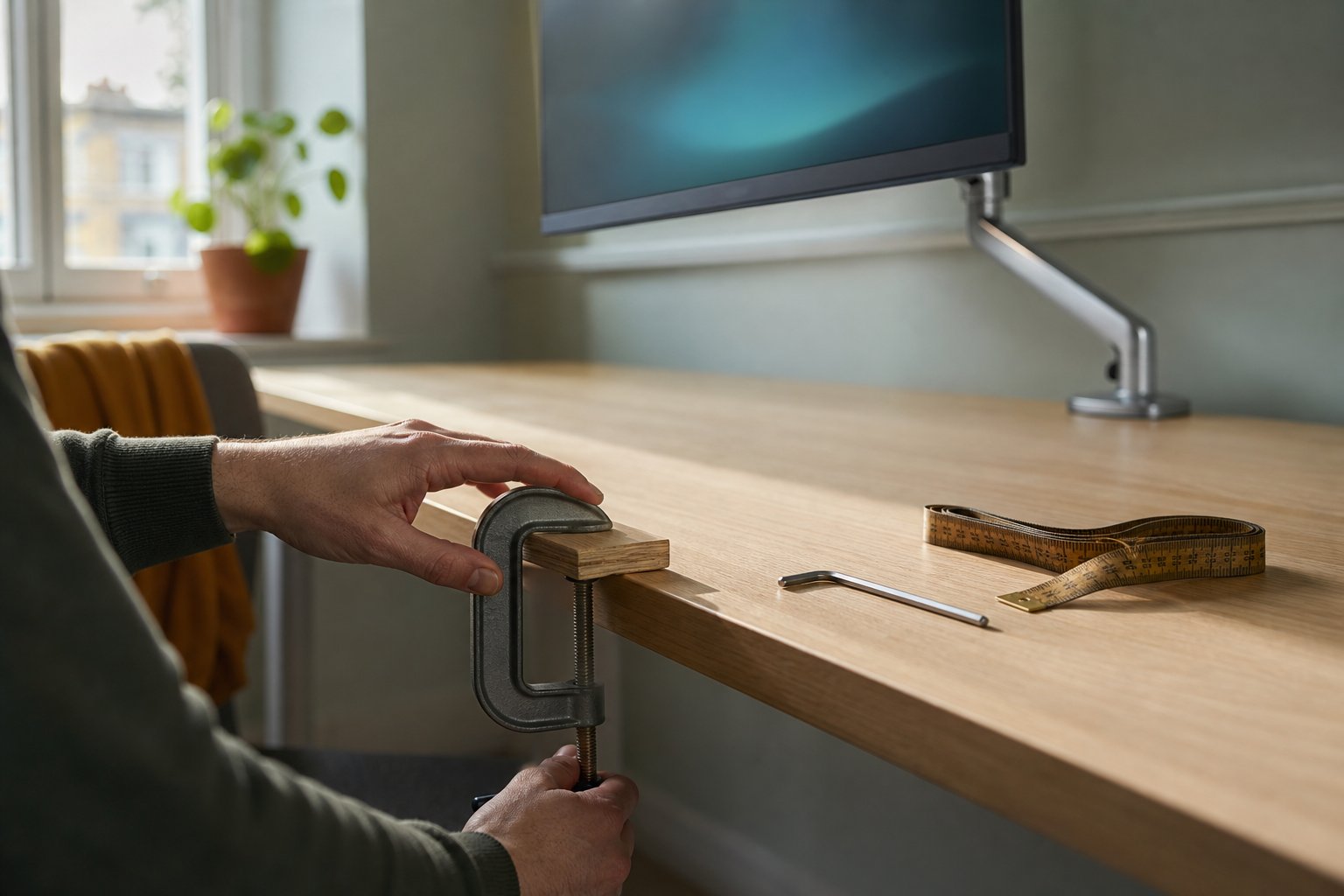
Yes — a standard UK kitchen worktop is one of the strongest surfaces you can clamp a monitor arm to. A 38mm laminate or 40mm solid wood top sits comfortably inside the 10–80mm range most desk clamps accept, and the dense core takes clamping pressure far better than a hollow flat-pack desk. What catches people out are the build details: doubled-up edges, aprons and wall battens that block the clamp. Measure those first.
That is the short version. The longer version is worth five minutes if you are about to build a worktop desk, because the clamp question is decided less by the worktop you buy than by the frame you put under it. Here are the numbers, measured the way an arm manufacturer measures them.
Why a worktop desk is a sensible build in the first place
The worktop-as-desk idea has been a fixture of British DIY forums for years. On PistonHeads’ Homes, Gardens and DIY board, the classic thread starts the same way: a room just over 2.4m wide, purpose-built desks that size starting at £500 or more, and a length of laminate worktop costing a fraction of that. IKEA’s KARLBY and SÄLJAN kitchen tops resting on ALEX drawer units are the same hack with a flat-pack accent — common enough that Solid Wood Tops, a UK maker of timber desk tops, has reviewed the combination on its own blog.
The appeal is practical. A standard worktop is 600mm deep, which is a genuinely useful desk depth — and if it feels tight once a screen and keyboard land on it, our guide to how much desk space a monitor arm frees up covers the layout side. Worktops come in 3m and 4m lengths, cut-to-size services are everywhere, and offcuts from a kitchen refit are often free. Most relevant here: a worktop is dense. 38mm of chipboard core with laminate skins, or 40mm of staved oak, is a far better thing to squeeze a clamp onto than the honeycomb-filled top of a budget desk.
The honest maths: worktop thickness versus clamp range
Every desk clamp publishes a thickness range. The Kehao M252 accepts desk tops from 10 mm to 80 mm, which is typical of decent single arms — though plenty of cheaper clamps stop at 50mm, so check the specification before you buy rather than after.
Against that, the worktop numbers, drawing on Kitchinsider’s UK thickness guide:
| Worktop type | Typical thickness | Against a 10–80mm clamp |
|---|---|---|
| Standard laminate | 38mm (slimline 22–28mm) | Fine — 42mm of headroom |
| Solid wood (oak, beech, walnut) | 27–40mm | Fine — at least 40mm of headroom |
| Compact laminate | 12–13mm or 20mm | In range, and dense enough to take the squeeze |
| Breakfast bar | 38–40mm, just deeper | Fine — the extra depth is a bonus |
| Granite or quartz offcut | 20–30mm | In range on paper, but do not clamp brittle stone |
So the honest answer to the headline question is almost boring: a bare worktop is comfortably within range. A 38mm laminate top leaves 42mm of spare clamp capacity; even a chunky 40mm oak top uses only half the range. Nobody’s SÄLJAN is “too thick”.
Where the maths tightens is edge treatments. A doubled-up laminate edge — two 38mm boards glued together for that chunky modern look — measures 76mm, four millimetres inside the limit, and a 40mm + 40mm build-up lands exactly on 80mm. At that point you are relying on the clamp’s last few threads, and the advice in KTC’s clamp-fit support guide applies: if a surface exceeds the range, forcing the screw is not a workaround. Check whether the doubling runs along the edge you actually plan to clamp; it is often only on the front show edge, with the wall edge left at single thickness.
What actually blocks the clamp: the frame, not the top
A C-clamp needs two things beyond the right thickness: an edge it can reach over, and a patch of flat, unobstructed underside to grip. Arm makers’ guidance converges on roughly 50–75mm of clear depth under the edge, and KTC’s checklist adds a good habit — measure at the exact clamp position, then again about 50mm further in, because that is where battens and rails hide.
Worktop desk builds fail this test in three familiar ways:
- Wall battens. The alcove build — batten screwed to the wall, worktop resting on top — has zero rear overhang, so there is nothing for a clamp to grab. Clamp a side edge instead, or leave an 80mm-wide gap in the batten as a deliberate clamp bay.
- Aprons. When a MyBuilder user asked whether a 2.5m × 38mm worktop desk would sag, the tradesperson’s fix was a 3×1 timber apron glued under the top. Sound advice for stiffness — but 75mm of timber under the rear edge means a clamp would need to span over 110mm. Fit the apron, and stop it short of where the arm will sit.
- Drawer units. ALEX units or old desk pedestals under each end leave the middle free, but if a unit sits exactly where you want the screen, the clamp has no underside access. Shifting the arm or the unit 100mm sideways usually solves it.
While you are under there, think about span. Chipboard-core worktops sag over long unsupported runs — both the MyBuilder thread and Solid Wood Tops flag it — so keep unsupported spans to roughly 1.2–1.5m and put the arm near a leg or support rather than at mid-span, where the top flexes most.
Fitting the arm without marking the worktop
A worktop shrugs off clamping force better than almost any desk, but the surface can still mark. Oiled solid wood will dent if you attack the screw like a wheel nut, and Solid Wood Tops specifically cautions about monitor and camera clamps on veneered chipboard tops such as the KARLBY, where the show layer is a few millimetres of hardwood over particleboard. Use the pad supplied with the arm, tighten until snug plus a quarter-turn, and re-check after the first week.
The load deserves respect too. A gas-spring arm such as the Suptek carries a 17–32 inch screen weighing 2–10 kg, so a heavy screen at full stretch is a long lever working on that rear edge — one more reason to seat the clamp pad fully flush and tighten it to snug. In practice, on a rigid worktop the wobble you feel while typing comes from the legs and frame long before it comes from the clamp.
Grommet mounting: the plan B that suits worktops
If the rear edge is blocked, built up past 80mm, or hard against a wall, mount through the top instead. Most decent arms, the Suptek included, ship with a grommet bolt: drill a hole 60–80mm in from the rear edge (clear of any batten), drop the bolt through, and the arm grips the top in pure compression — no overhang needed at all.
Worktops take this well. Drill laminate from the face side through masking tape with a sharp holesaw to stop the melamine chipping, and give the exposed chipboard core a coat of varnish or diluted PVA if the desk lives anywhere damp. Solid wood needs nothing more than a sharp bit and patience. Stone is the exception — leave granite and quartz to a stone fitter, or choose a freestanding base instead. Our grommet versus clamp guide walks through the choice in more detail.
Quick answers
Is a 38mm worktop too thick for a monitor arm clamp?
No. 38mm is the standard UK laminate thickness and sits in the lower half of a typical 10–80mm clamp range. Do measure the true thickness at the exact clamp position, though — moisture battens, edge build-ups and aprons all add to the figure the clamp actually has to swallow.
Can I clamp a monitor arm to an IKEA KARLBY or SÄLJAN?
Yes — thousands of KARLBY desks carry arms happily. Both tops are around 38mm and well within range; the caution is the particleboard core, so use the clamp pad, avoid over-tightening, and consider the grommet bolt for a permanent setup. Our IKEA desk monitor arm guide covers the popular tops model by model.
Does a monitor arm make worktop sag worse?
Only marginally, and mainly at mid-span. The arm concentrates the screen’s weight plus its own at a single point, so position it within about 300mm of a leg, drawer unit or batten. If the span already bounces when you lean on it, fix that first with a centre support — that is a desk problem, not an arm problem.