Desk in Front of a Radiator: Safe Gaps and Heat Risks
Putting a Desk in Front of a Radiator: Gaps, Heat and Your Kit
Is a desk in front of a radiator OK? The 10–15cm air gap rule, what heat does to monitors, cables and chipboard desktops, and easy fixes for winter.
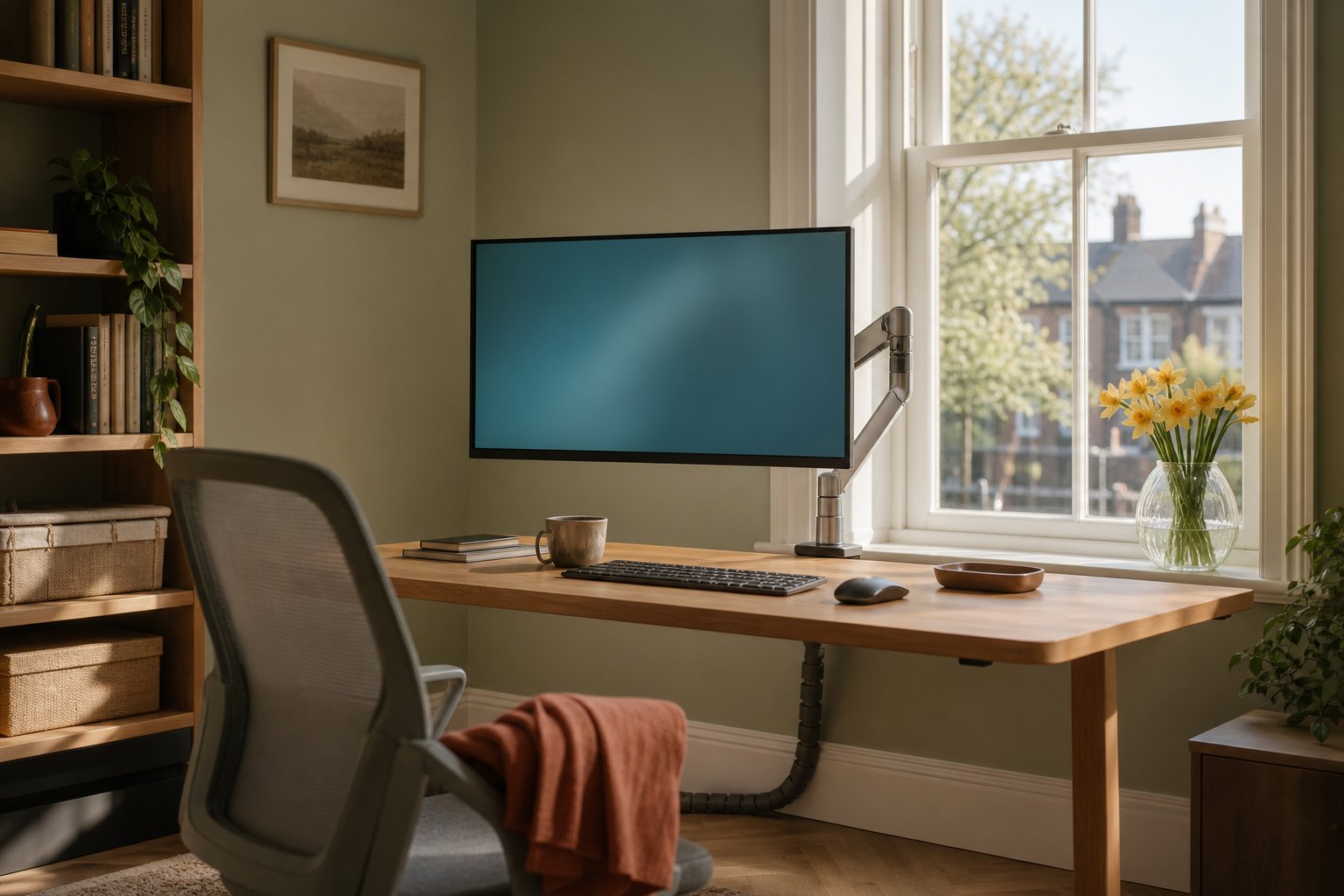
A desk in front of a radiator is fine if you leave an air gap of roughly 10–15cm, keep cables and plug blocks out of contact, and stop the monitor sitting directly in the hot air rising off the radiator’s top edge. Solid desk backs trap heat, warp and waste money; open legs, a modest gap and a screen floated forward solve nearly all of it.
Why UK desks end up in front of radiators
In most British homes the radiator lives under the window, put there decades ago to cancel the cold downdraught coming off the glass. The window wall is also exactly where people want a desk: daylight, a view, and usually the only stretch of wall not taken by a door, a bed or an alcove. So the desk-over-radiator layout is not carelessness — it is the default floor plan of the small UK home office, and it can work perfectly well once you understand what the radiator needs and what your equipment can tolerate.
The air-gap rule: 10–15cm buys you most of it
Radiators heat a room mostly by convection: cool air is drawn in underneath, warms between the panels, and rises out of the top. Which? points out that when furniture blocks that loop, the warm air stalls behind it and the boiler simply runs longer to satisfy the thermostat — you pay more to feel colder.
The published clearance advice clusters tightly. Mr Central Heating suggests leaving at least 10–15cm between a radiator and any large piece of furniture. East London NHS Foundation Trust’s cost-of-living guidance goes a little further — 15–30cm — and estimates that unblocking a radiator can trim up to 10% off a heating bill, adding that even a few inches of gap helps when space is tight.
Desks are actually the friendliest furniture you can put in front of a radiator, because most of them are a worktop on legs rather than a solid slab:
- Open frame, no back panel: air flows under the desktop and out. This is the good case.
- Modesty panel or cupboard back: the desk behaves like a sofa, trapping the plume. Leave the full 15cm, or more.
- Desktop height: if the worktop sits just above the radiator, treat the top edge as sacred — the rising column needs a clear path past the back edge of the desk.
A desk 60–70cm deep pushed to within 10–15cm of the radiator still leaves your keyboard, screen and forearms in the front half, well away from the heat source.
What the heat actually does to desks and electronics
British radiators are rated under the BS EN 442 standard at Delta T50 — a mean water temperature of 70°C in a 20°C room — so a surface between 45°C and 70°C all day is normal in winter, depending on your boiler’s flow temperature.
Your monitor was not designed for that neighbourhood. Mainstream panels are specified for an operating range of roughly 0–40°C — Lenovo’s ThinkVision spec sheets and Philips’s equivalents both quote exactly that. A 20°C room is no problem; the trouble is the pocket of 40°C-plus air that collects between a hot radiator, a wall and the back of a screen, on top of the heat the panel already generates itself. Electronics age fastest when they run warm, so a screen parked in the plume every winter is quietly shortening its own life even if it never visibly misbehaves.
Cheap desktops suffer in a duller way. Chipboard and MDF tops with melamine or veneer faces do not enjoy being cooked from one side: repeated daily heat cycles dry the board, bow the worktop and lift edge banding, and glue joints creep. The consensus in MoneySavingExpert forum threads on this exact layout is reassuring on the scary part — softwood needs around 300°C to ignite, so a 60°C radiator is not a fire risk to your desk — but warping is real and cumulative. Comfort is the last casualty: eight hours of radiant heat on your knees sounds cosy in November and is genuinely unpleasant by the afternoon.
Cables deserve more clearance than the desk
Standard PVC flex is typically rated to about 70°C — the same territory as a radiator surface in deep winter. Insulation that spends every heating season pressed against hot metal goes brittle years early. Three rules cover it:
- Nothing drapes over or touches the radiator: no monitor leads resting on the top grille, no charger cables threaded behind the panels.
- No extension blocks wedged in the gap between desk and radiator. Mount the block under the desktop or hang it on the desk frame instead.
- Route cables up and along the desk, not down into the warm zone — our monitor arm cable management guide shows tidy routes that keep slack away from heat.
Keep the monitor out of the rising heat column
The hottest air in the room travels straight up from the radiator’s top edge — precisely where a monitor stands when a shallow desk is pushed against the window wall. If the back of your screen feels warm before you have switched it on, it is sitting in the plume.
The fix is horizontal distance. Floating the screen forward on an arm moves the panel 20–30cm towards you, out of the rising column, without stealing desk depth; a gas-spring arm such as the Suptek arm, which takes 17–32 inch screens weighing 2–10 kg, also lets you push the screen back over the radiator in summer when it is cold metal. Desks jammed against the wall need a little folding geometry to make this work — covered in our wall-tight desk guide — and a window above the radiator usually brings a second nuisance worth fixing at the same time: low winter sun glare.
Winter and summer are different rooms
From roughly October to April the radiator is a heat source; the other half of the year it is inert steel and none of this applies. That cuts both ways. A layout that feels fine when you set it up in June can be slowly cooking your kit by December, so judge the desk position during the heating season. And if the room has a thermostatic valve, turning that one radiator down while you work — you, your PC and your screen all generate warmth at the desk anyway — often costs nothing in comfort.
When it’s totally fine
No hand-wringing needed if most of these are true: the desk has open legs and no back panel; there is a 10–15cm gap to the radiator; the monitor sits forward of the back edge; cables are routed up rather than down; and the radiator either runs on a low valve setting or another radiator heats the room. Renters lose nothing here either — everything above is done with furniture position and a clamp, not a drill.
Frequently asked questions
How far should a desk be from a radiator?
Leave 10–15cm as a working minimum, in line with Mr Central Heating’s advice, and 15–30cm where the room allows, per NHS trust energy guidance. The gap exists for airflow, so an open-legged desk at 12cm beats a panel-backed desk at 20cm.
Will a radiator behind my desk damage the monitor?
Not through normal room warmth — panels are rated to 40°C ambient and a heated room sits around 20°C. The risk is the trapped column of hot air directly above the radiator. Keep the screen forward of that column, leave ventilation space behind it, and the radiator becomes irrelevant.
Is it a fire risk?
A water-filled central heating radiator runs at 45–70°C, nowhere near the roughly 300°C wood needs to ignite. The realistic damage is slow — warped boards, brittle cable insulation, tired electronics — which is why the fixes are about gaps and routing, not alarm.