Gas Spring vs Mechanical Monitor Arm: Full Comparison
Gas Spring vs Mechanical Monitor Arms: How They Work and Which to Buy
Gas spring arms float your screen; mechanical arms bolt it in place. How each works, why arms sag, and how to set tension properly — a UK buyer's guide.
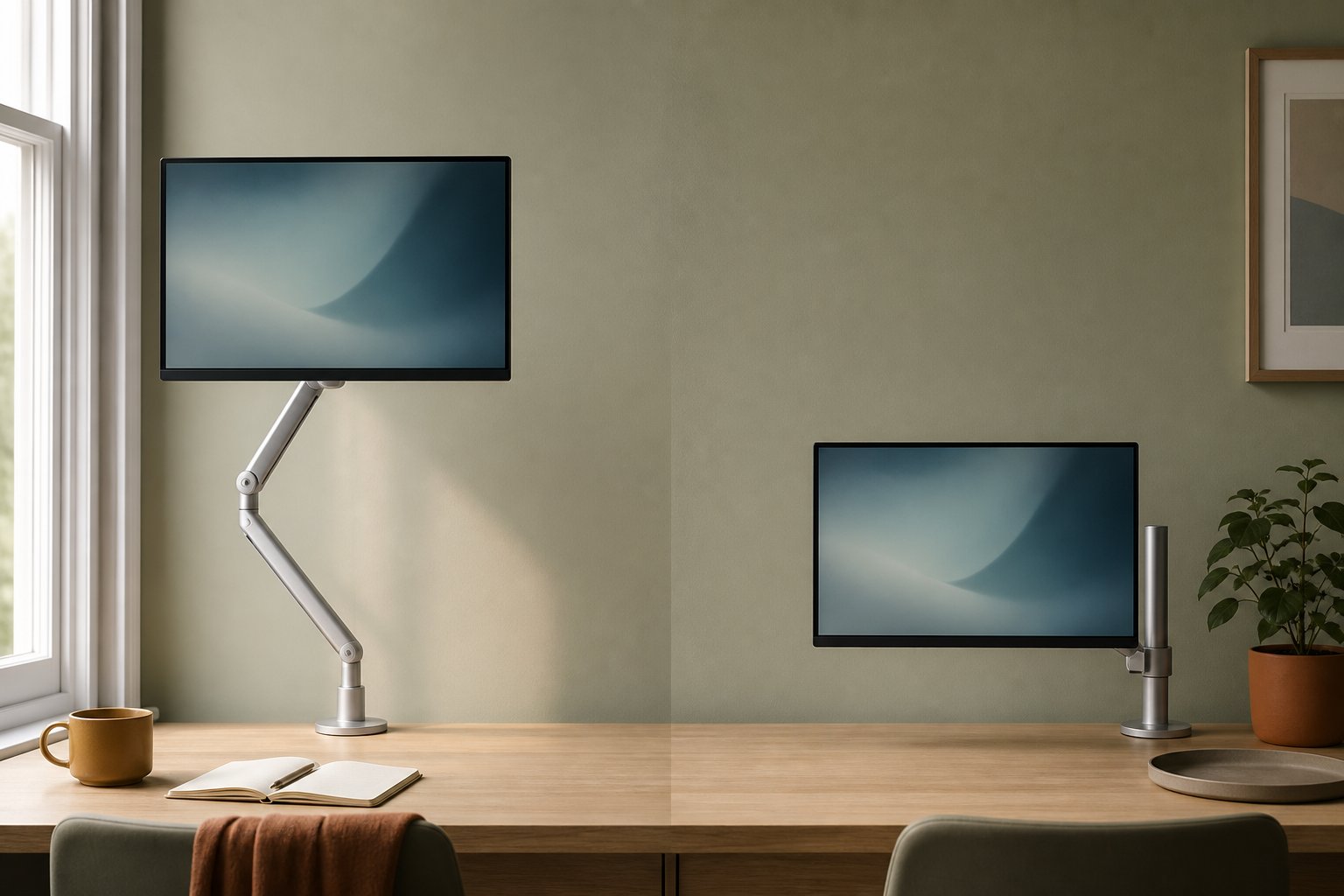
A gas spring arm uses a sealed pneumatic cylinder to counterbalance your monitor, so you can move it with one hand and it floats in place. A mechanical arm uses fixed joints and friction screws — cheaper, but you adjust it once and leave it. For anyone who actually repositions their screen, gas spring is worth the extra money; here is exactly why, and how to stop either type sagging.
The engineering difference in plain English
Mechanical (static or friction) arms are poles and elbows. Height is set by moving a collar up and down the pole and locking it with a bolt; angles are held by friction washers between the joints. Nothing pushes back against gravity except how hard you tightened the screws. Budget arms in the £20–35 bracket are almost all this type — trade reviewers at PCWorld note that the cheapest arms skip assisted lifting entirely, and some mid-priced ones fit only a weak piston “barely sufficient” for a 27-inch screen.
Gas spring arms add a sealed cylinder of pressurised nitrogen acting through a lever linkage. The cylinder constantly pushes up with a force you tune (via a tension screw) to match your monitor’s weight. When the upward push equals the downward pull, the monitor is weightless to your hand: lift it and it stays, lower it and it stays. The Kehao M252 is this type, for 17–32 inch screens weighing 2–10 kg.
There is a third category — spring-steel or “constant force” mechanisms used by some premium brands — which behaves like gas spring in daily use. For a buying decision the split that matters is assisted vs unassisted.
Which one should you buy?
Ask one question: will you move the screen after week one?
- You share the desk with a partner, or you alternate sitting and standing → gas spring, no debate.
- You pull the screen closer for detail work or gaming, push it back for films → gas spring.
- You will set the height once on a fixed desk and never touch it → a mechanical arm honestly does the job, and saves £20–40.
One warning for the second-hand and bargain market: the assisted-arm experience depends entirely on the quality of the cylinder and linkage. The internet is full of “heavy duty” arms that held for a month and then drooped — r/buildapc has a typical case where a gas spring arm lost all resistance within weeks and the screen sank to the desk overnight, with the tension screw doing nothing. That failure mode (a leaking or worn cylinder losing pressure) is why cycle-rated hardware matters — and why the Kehao M252 should be set for a 17–32 inch screen weighing 2–10 kg.
Why arms sag — and the 10-minute fix
“Sag” complaints fall into three buckets, and only one of them means the arm is faulty.
1. Tension never matched the monitor (most common). Gas springs ship at a factory default. If your screen is lighter than the default, it drifts up; heavier, it sinks. Fix: find the tension adjustment (on the Suptek arm it’s the hex screw on the main joint), and while supporting the screen with one hand, turn towards “+” if the screen sinks, “−” if it rises. Work in half-turns and test between each. Correctly tuned, the screen should hold position anywhere in its travel and move with fingertip pressure.
2. Joint friction screws loose (the “one side droops” case). On r/desksetup a user with two identical monitors on identical arms found one sagging — same weight, same arm, so the cylinder wasn’t the suspect. Tilt and elbow joints are friction-held; they loosen with adjustment cycles and temperature swings. Fix: tighten each joint’s screw with the supplied hex key while the screen is level. Note that tilt friction is deliberately asymmetric on many arms — tilting up fights the screen’s own weight, so it feels stiffer than tilting down. One r/Monitors thread mistook exactly this for a defect.
3. Genuine cylinder failure. If tension is maxed out and a within-spec monitor still sinks over hours, the cylinder has lost pressure. That is a warranty case, not a user fix — the Suptek arm carries a 12-month warranty, and our 30-day return window covers early failures without question.
Setup sequence that prevents 90% of problems
- Confirm your monitor’s stripped weight (no stand) sits within the arm’s range — for the Suptek arm, up to 10kg. Under about 2kg, expect to back tension right off. Full sizing rules are in the compatibility guide.
- Mount the VESA plate, attach the screen, and let go gently at mid-height with a hand hovering underneath.
- Tune the main tension screw in half-turns until the screen holds at low, mid and high positions.
- Set tilt and rotation friction so movement is firm but one-handed.
- Re-check all screws after 48 hours — new linkages bed in.
Do this once and a decent gas spring arm disappears from your awareness: you touch the screen, it moves, it stays. That is the entire pitch for spending £70 instead of £25 — and if you’re weighing this price bracket against the premium brands at twice the price, our honest comparison with the Ergotron LX lays out exactly what the extra money does and doesn’t buy. For quick answers on tension, minimum weights and curved screens, the FAQ covers the lot.